
Common problems show up fast. Dropped calls at certain desks. Wi-Fi access points that can't get enough bandwidth. Closets full of unlabeled cables nobody dares touch. A Fluke Networks blog attributes up to 80% of network downtime to the physical layer, though it's a vendor claim without a published methodology.
This guide covers cable types, planning decisions, installation steps, and the signs that your cabling needs attention.
Key Takeaways
- Network cabling is the physical infrastructure behind data, voice, wireless, video, and security systems.
- Copper and fiber carry modern office Ethernet; PoE is a capability, not a cable type.
- Choose cable for devices, distance, interference, power, and growth.
- Testing, labeling, and documentation matter as much as the cable itself.
What Is Office Network Cabling?
Network cabling is the physical wired medium connecting workstations, switches, routers, servers, access points, phones, and cameras. It is separate from your internet service and from the wireless network running on top of it.
A pile of cable runs isn't a system. Structured cabling is organized, standardized infrastructure that can be maintained and expanded without guesswork.
The main components of a structured cabling system
TIA structured cabling uses six subsystems, as TechTarget summarizes:
- Entrance facility: where outside service enters the building
- Equipment room (often called the MDF): main switches, servers, and core gear
- Telecommunications rooms (often called IDFs): floor or zone closets
- Backbone cabling: links between those rooms
- Horizontal cabling: runs from closet to wall jack
- Work area: jacks and patch cords at the desk
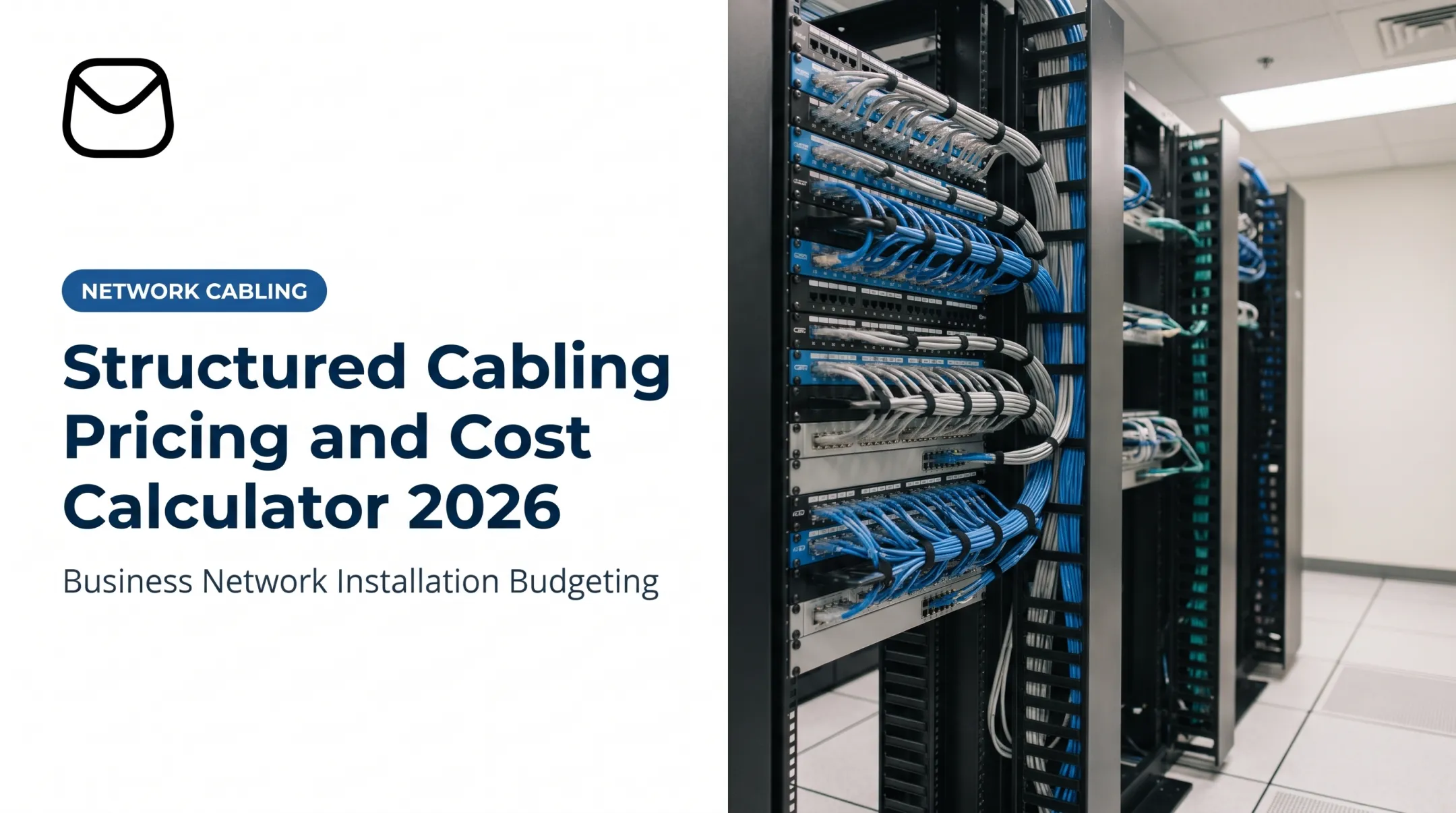
Patch panels and racks live in the equipment and telecommunications rooms, where runs terminate and get cross-connected.
Why the physical network matters
Good cabling delivers stable data transmission, clearer VoIP calls, dependable access points, faster troubleshooting, and room to grow. Orderly, documented infrastructure also supports cybersecurity, but it does not replace firewalls or access controls.
Types of Network Cabling for Offices
Copper twisted-pair cabling
Cat5e, Cat6, and Cat6a serve workstations, printers, VoIP phones, access points, and PoE devices. Published figures show where they differ:
| Category | Frequency | Key limit |
|---|---|---|
| Cat5e | 100 MHz | 1GbE to 100 m |
| Cat6 | 250 MHz | 1GbE to 100 m; 10GbE only to about 37 m (up to 55 m depending on crosstalk) |
| Cat6a | 500 MHz | 10GbE to 100 m |
The channel limit is 100 m total, with a 90 m permanent link and patch cords making up the rest. Cat6a costs more and is thicker, which affects pathway fill and bend handling. Cat6 won't deliver 10GbE across a full-length run, so don't promise it.

Confirm current specs against the TIA standards before you specify.
Fiber optic cabling
Fiber suits backbones, links between closets or buildings, long runs, high bandwidth, and electrically noisy areas. Multimode (OM3, OM4, OM5) handles shorter in-building distances. Single-mode (OS2) covers long reach, but only with matching optics.
For example, OM3 supports 10GBASE-SR to 300 m and OM4 to 400 m. Reach depends on the transceiver and link design, not the cable alone.
Fiber also demands planning:
- Compatible optics and transceivers
- Pathway protection
- Careful termination and cleaning
- Fiber-specific testing
- Technicians who know the work
Coaxial and other specialty cabling
Coax still appears in legacy networks, broadband service connections, and video surveillance. It's not the default for modern office Ethernet. USB and ordinary power cords aren't network cabling either. Older infrastructure should be assessed before you reuse it.
Understanding PoE in office cabling
Power over Ethernet delivers data and power over compatible twisted-pair cabling to phones, access points, cameras, and access-control devices. Power levels vary by IEEE type:
| Type | Standard | Max source output |
|---|---|---|
| 1 | 802.3af | 15.4 W |
| 2 | 802.3at | 30 W |
| 3 | 802.3bt | 60 W |
| 4 | 802.3bt | 90 W |
Check cable category, switch capability, device needs, length, and PoE standard together. Heat matters too: bundle size, ambient temperature, and conduit all affect it, per Belden's TSB-184-A guidance.

How to Choose Cabling for Your Office
Start with a device and application inventory
List current and planned workstations, printers, phones, access points, cameras, access-control devices, conference-room systems, and servers. Then consider the load: video conferencing, VoIP, large file transfers, dense Wi-Fi, and regulated data all shape capacity and reliability needs.
Many access points use 2.5G or 5G multigigabit uplinks, and Cisco's Wi-Fi 7 Catalyst 9174 specifies Cat5e, Cat6, or Cat6A. Match cable to the actual AP and switch ports, not a hunch.
Map the layout and topology
Your site plan should mark desk drops, conference rooms, shared equipment, ceiling access points, cameras, closets, pathways, and likely future locations.
Decide where the equipment room and telecommunications rooms go, and plan backbone and horizontal cabling together. Otherwise you get long, awkward runs that are hard to maintain.
Select categories for performance and growth
Weigh these factors:
- Current speed requirements
- Run distance
- Interference
- PoE needs
- Port density and equipment compatibility
- Cost of replacing cable later

The cheapest acceptable cable is rarely the cheapest over time. Pulling cable through finished ceilings twice costs far more than upgrading once. That's especially true if you expect new hires, faster Wi-Fi, upgraded phones, or a second location.
Account for the building environment
Review pathway capacity, ceiling access, conduit, bend radius, separation from electrical wiring, fire-rated walls, temperature, moisture, and building-owner rules.
- Jacket ratings: CM/CMG is general-purpose, CMR is for risers, and CMP is for plenum spaces. The rating must match the location.
- Firestopping: NEC 300.21 and IBC 714 require listed penetration systems installed as tested.
- Bend and separation: Follow the manufacturer. For example, Panduit's TX6A guidance specifies four cable diameters.
Applicability depends on the adopted code edition and local authority having jurisdiction. No cable choice alone guarantees compliance.
Coordinate with the broader technology plan
The cabling installer, IT team, phone provider, wireless designer, security vendor, general contractor, and property manager should share one plan. Before work starts, document:
- Port counts and spare capacity
- Rack space, power, and UPS needs
- Maintenance access, phasing, and expansion
What a Professional Installation Includes
Site survey and design
The survey documents the physical conditions that shape the job:
- Measurements, wall and ceiling access, and existing cable
- Equipment-room conditions and available pathways
- Device locations and building restrictions
The design then produces a port schedule, cable routes, rack and patch-panel layouts, labeling conventions, and a plan for working around occupied space.
Cable pulling and pathways
Installers route and support cable properly, control bend radius, keep it away from interference sources, and protect it from damage. They also respect pathway capacity and firestop penetrations.
Project type changes the approach:
- New construction: open walls, easy access
- Renovation: work around existing systems
- Occupied office: phased work, off-hours tasks, coordination with other trades
Termination, patch panels, and cable management
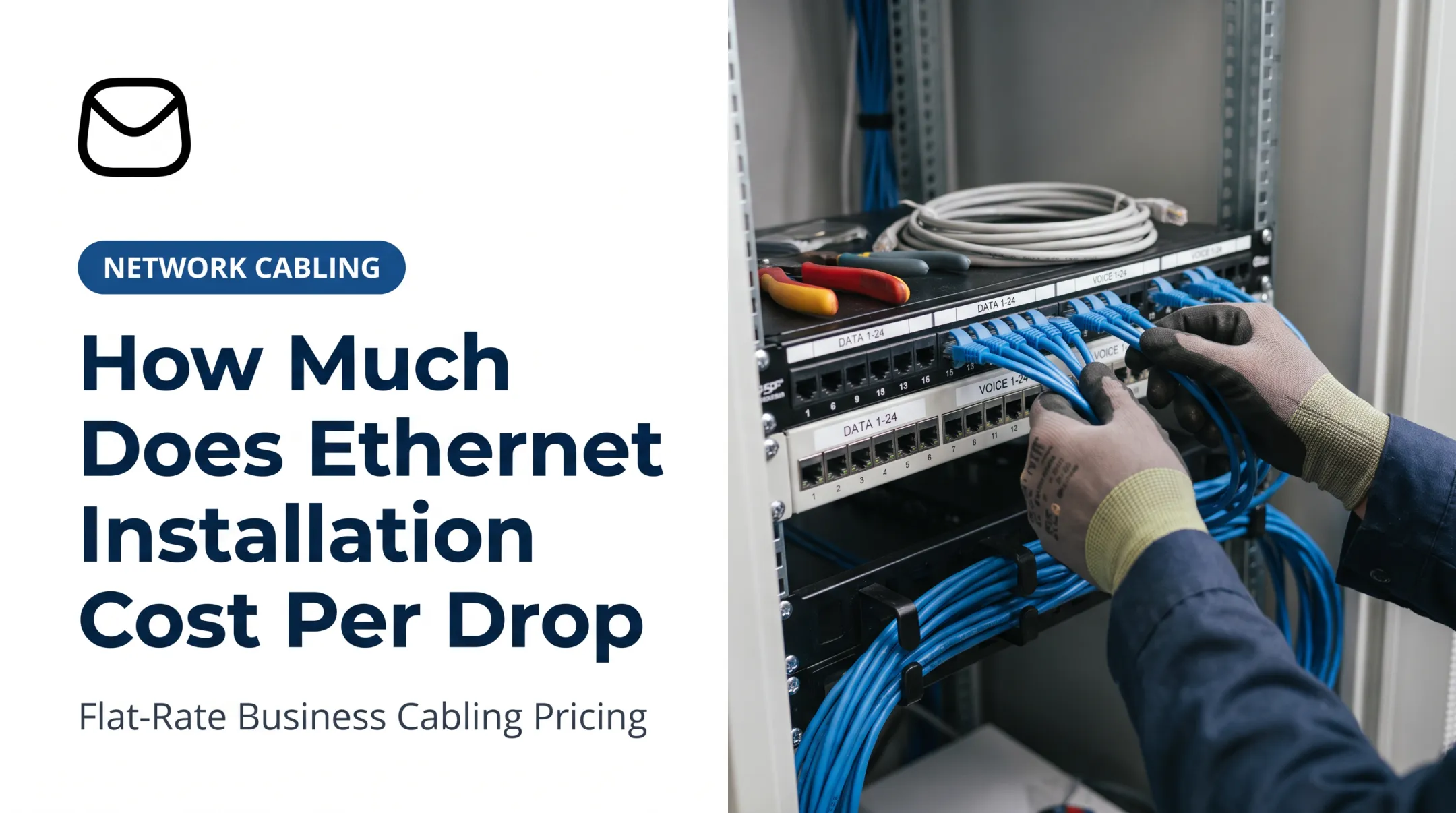
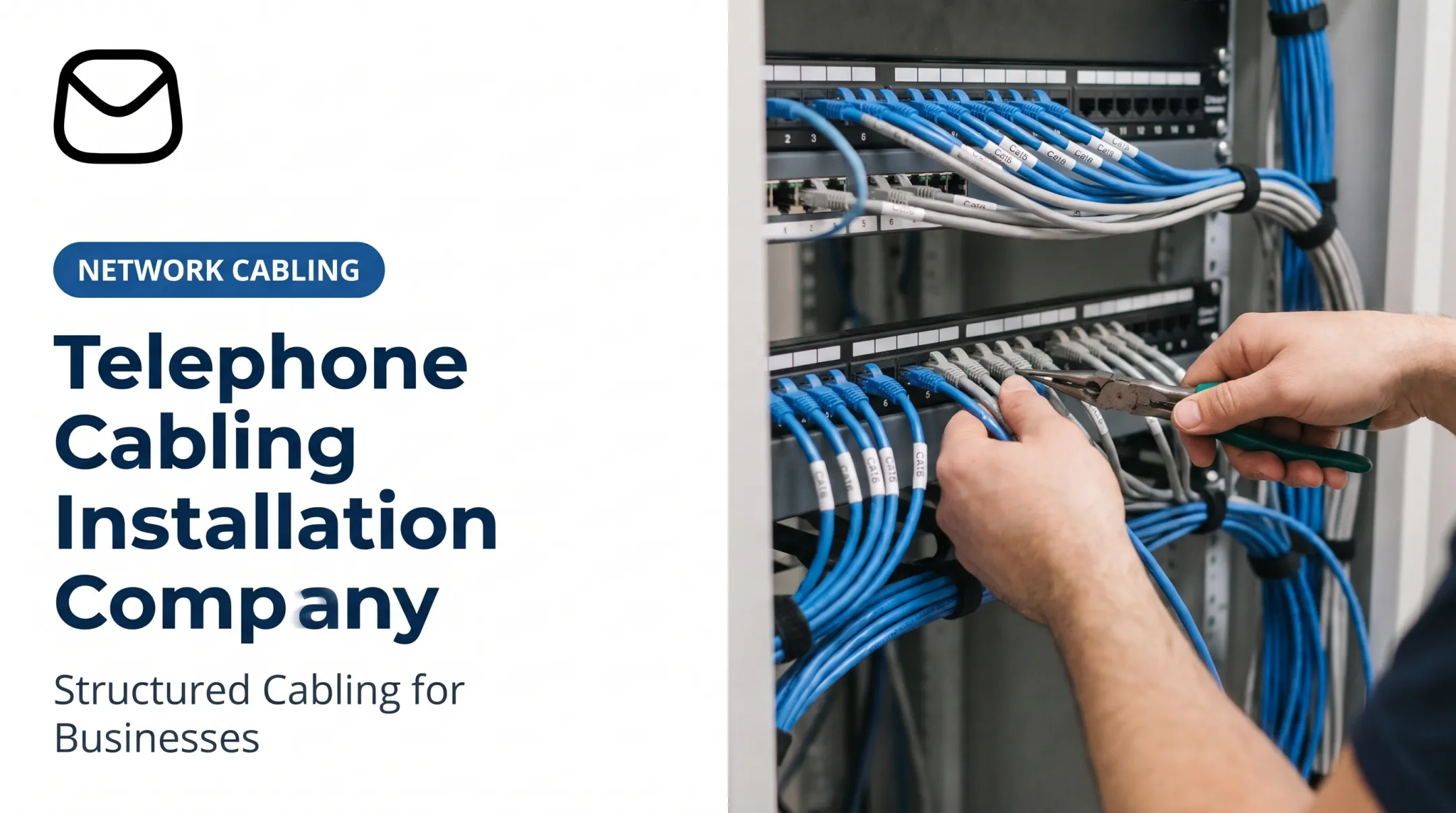
Installers terminate each run at the outlet and patch panel, then dress and secure cable in racks for airflow and easy additions. Label both ends consistently.
Avoid these common faults:
- Excess slack
- Sharp bends
- Unsupported cable
- Mixed labeling systems
Testing, certification, and documentation
Test every run for wire map, length, insertion loss, NEXT, and return loss against the selected category limit. Fluke Networks distinguishes three different checks, and they aren't interchangeable:
- Certification: measured against a standard
- Qualification: confirms the link supports a given application
- Verification: basic continuity and wiring checks
The handoff package should include:
- Test results
- Port maps and cable labels
- Rack diagrams and pathway notes
- Warranty paperwork
- As-built drawings
TIA-606-D covers labels and records. Manufacturer system warranties often require test results to be submitted for review, so keep the paperwork.

Integrating with the complete technology environment
Validate finished cabling with switches, firewalls, VoIP phones, access points, and cameras. Cabling has to work with the rest of the stack from day one.
A full-service partner helps when you want that work coordinated end to end. QTSI, based in Wayne, New Jersey, handles structured cabling alongside networking, managed IT, communications, cloud, and cybersecurity for businesses across the Tri-State area.
Signs Your Office Network Cabling Needs Attention
Symptoms that may indicate cabling problems
- Recurring connection drops
- Slow speeds at particular desks
- Choppy or dropped VoIP calls
- Unreliable access points
- Camera outages
- Dead ports
Switches, wireless design, power, software, or your internet service can cause the same symptoms. Cisco's port-flap troubleshooting guidance treats CRC errors as a lead to investigate, not proof of a bad cable. Test first, then decide on replacement.
Situations that justify an assessment
- Office moves, expansions, or renovations
- New phone or Wi-Fi deployments
- Additional cameras
- New compliance requirements
- Too few ports
- Unlabeled or undocumented closets
Assess existing cable before a major upgrade. Otherwise, old infrastructure can cap the performance of your new system.
What to review in an audit
Review these items during an audit:
- Cable categories and visible damage
- Termination quality and labeling
- Patch-panel organization and spare ports
- Testing records and pathway capacity
- Closet conditions and documentation
Then build a prioritized plan that separates urgent repairs, capacity additions, documentation gaps, and longer-term replacement.

Frequently Asked Questions
What is network cabling?
It's the physical cabling that connects devices across an office network. It carries data, voice, wireless, video, and security traffic.
What are the three types of cabling?
Copper twisted-pair, fiber optic, and coaxial. Modern offices mainly use copper and fiber for Ethernet. PoE is a capability, not a separate cable type.
How do I choose between Cat6 and Cat6a for an office?
Compare bandwidth, distance, interference, PoE, cable size, cost, current equipment, and growth. Cat6a supports 10GbE to 100 m; Cat6 doesn't. Confirm with a site assessment.
Who should install office network cabling?
Structured-cabling or low-voltage specialists, not necessarily general IT providers or electricians. Licensing varies by state, so check local rules. Insist on testing, certification, labeling, and documentation.
How can I tell whether my office needs a cabling upgrade?
Look for recurring connection problems, too few ports, damaged or outdated cable, poor VoIP or Wi-Fi, and missing documentation. Expansion and planned technology upgrades are also good triggers for an assessment.